All users that wish to secure their email with End-to-End encryption will need to add an extension to their browser to completely close the security vulnerability of their email messages. That is where Mailvelope comes in....
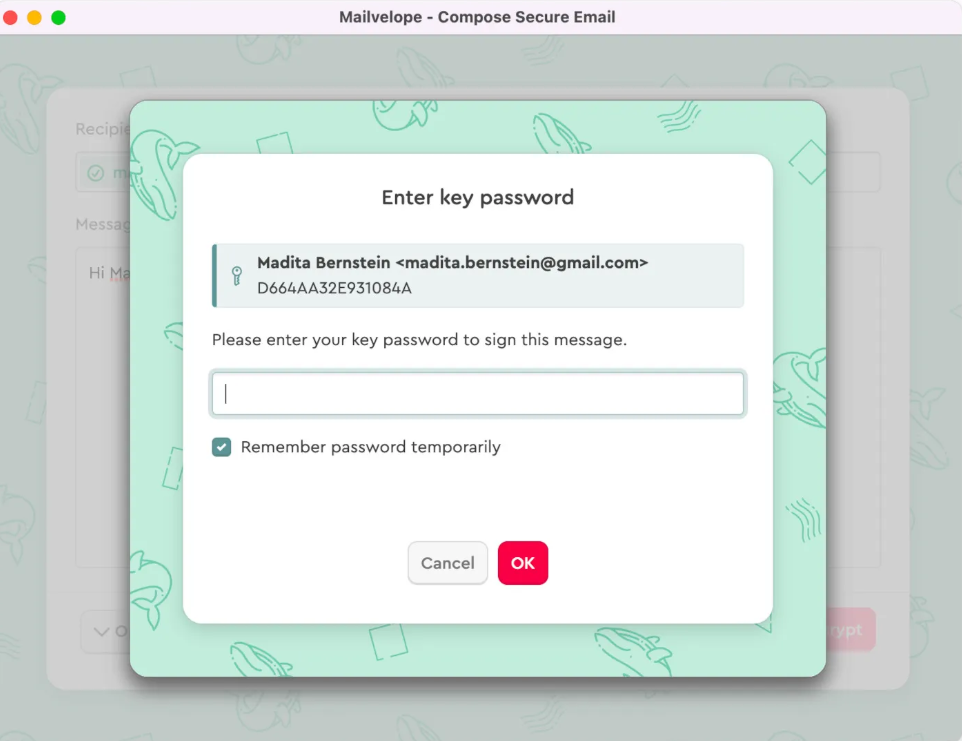
This browser extension allows you to create your own OpenPGP encryption key and works in conjunction with our server-side encryption to fully secure your communications channel and give you peace of mind that your message contents won't be able to be read by anyone but the intended recipient.
Click to download Mailvelope
Use PGP Generator to generate your encryption key pair
Upload your public key to OpenPGP Keyserver
It does require that the recipient also use the browser extension in order to decrypt your message. If the recipient does not have the browser extension then Mailvelope will tell you that you can only digitally sign the message. Digital signatures are great, but they are not completely secure by themselves. It is our recommendation that you send an unencrypted email digitally signed telling them you are sending them an encrypted email and provide them with a link to download the browser extension. Below is a sample email template you could copy and use to do this.
Recommended Email Template
Subject: Encrypted Email- IMMEDIATE ACTION REQUIRED
Message:
Hi Friend!
I am sending you an encrypted email soon and wanted to make sure you have a way to decrypt and read my message. If you don't currently have the Mailvelope browser extension installed, please take a moment to install it now and set it up. If you don't complete this step you won't be able to decrypt my email messages.
Click this link to download Mailvelope
Use PGP Generator to generate your encryption key pair
Upload your public key to OpenPGP Keyserver
Please reach out to me by reply email if you have any questions or concerns regarding this process.
Best Regards,
Your Friend